
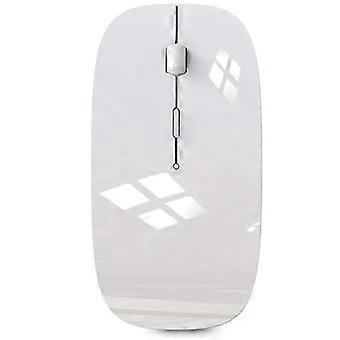
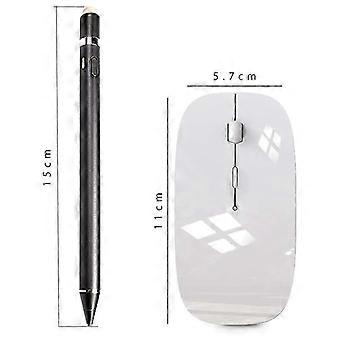
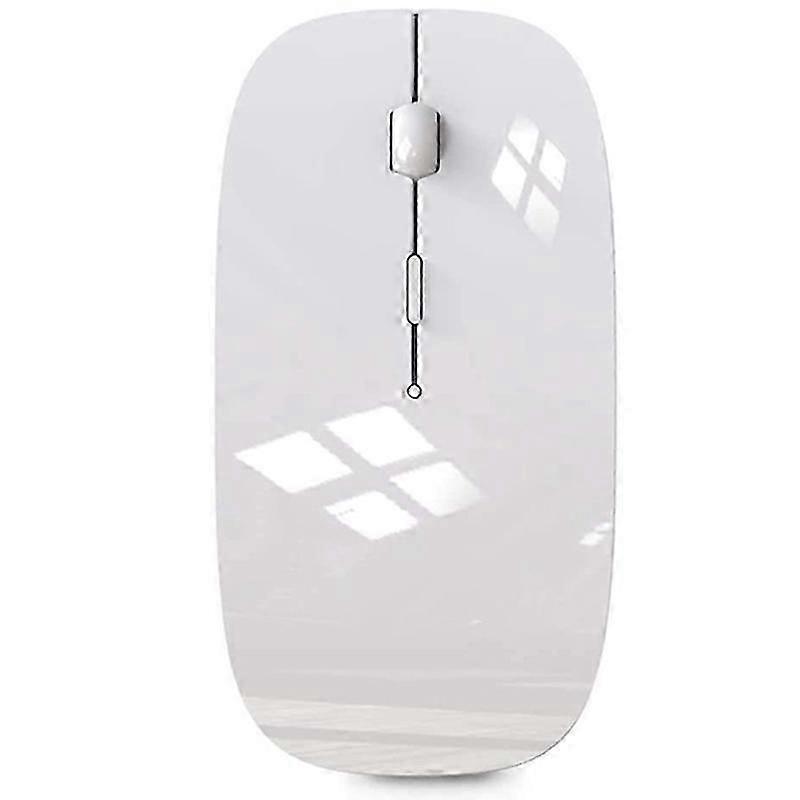
Wireless Mouse compatible with Bluetooth Mouse compatible with Pro Air Laptop Windows Bluetooth Mouse compatible with
+ 11,49 € Envio
Wireless Mouse compatible with Bluetooth Mouse compatible with Pro Air Laptop Windows Bluetooth Mouse compatible with
35,64 €
Economize 127,05 € (79%)
PVP
Métodos de pagamento:
- Marca: Unbranded
Detalhes do produto
Detalhes do produto
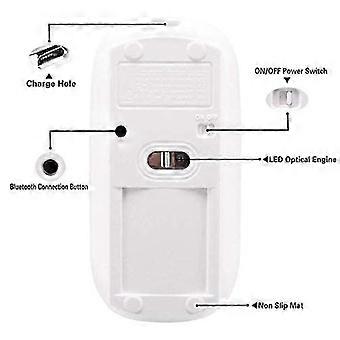
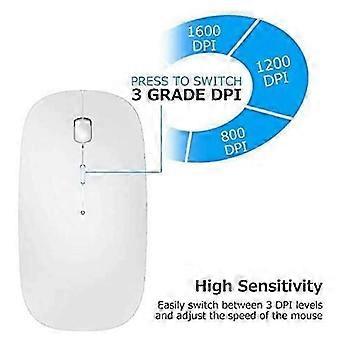
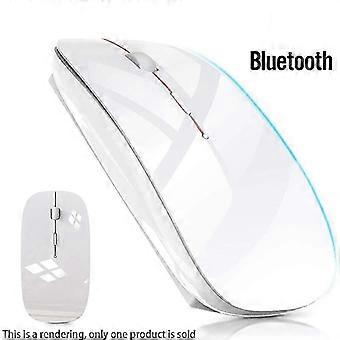
Wireless Mouse compatible with Bluetooth Mouse compatible with Pro Air Laptop Windows Bluetooth Mouse compatible with
- Marca: Unbranded
- Categoria: Ratos e Bolas de Ratos
- Identificação da Fruugo: 516448332-1053031753
- EAN: 9443245042281
Promessa
Garantia do vendedor
Os seus direitos como consumidor na UE incluem uma garantia legal gratuita de, pelo menos, 2 anos
Descarregue a Garantia Legal de Conformidade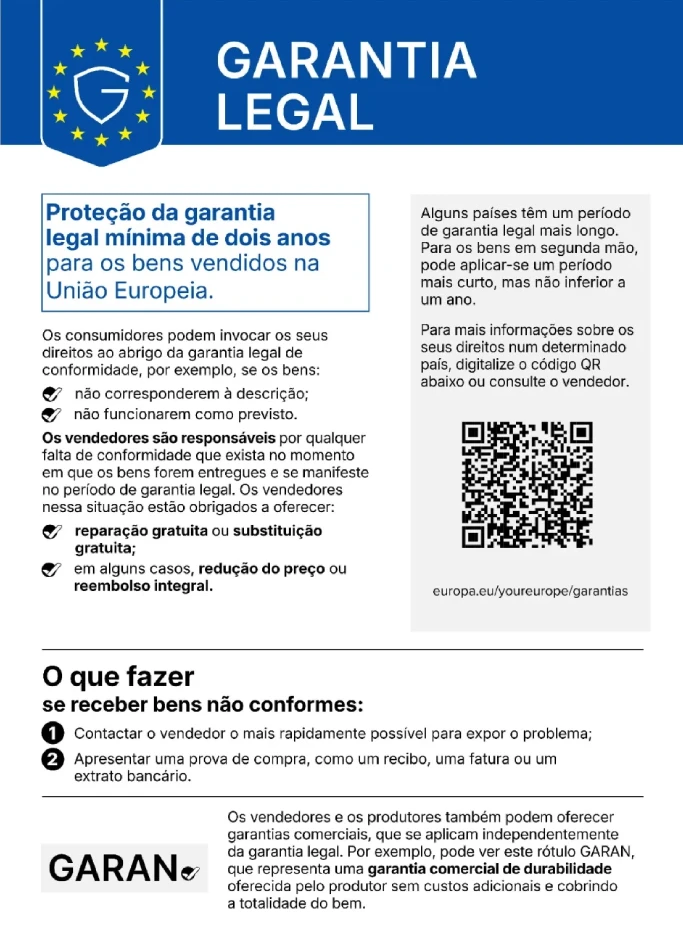
Segurança
Informações de segurança do produto
Consulte as informações de segurança do produto específicas para este produto descritas abaixo
As informações a seguir são fornecidas pelo revendedor independente que vende este produto.
Etiquetas de segurança do produto

Detalhes de conformidade do produto
Consulte as informações de conformidade específicas para este produto descritas abaixo.
As informações a seguir são fornecidas pelo revendedor independente que vende este produto.
Fabricante:
As informações seguintes apresentam os dados de contacto do fabricante do produto em causa vendido na Fruugo.
- Shenzhen Xinhui Electronics Co., LTD
- Shenzhen Xinhui Electronics Co., LTD
- 403, No. 133, Xinping Village, Dawang Community, Donghu Street, Luohu District, Shenzhen
- Shenzhen
- CN
- 518000
- [email protected]
- 86-17608433813
Pessoa responsável na UE:
As informações seguintes apresentam os dados de contacto da pessoa responsável na UE. A pessoa responsável é o operador económico designado, sedeado na UE, incumbido das obrigações de conformidade relativas ao produto em causa vendido na União Europeia.
- EC REP SERVICES SL
- EC REP SERVICES SL
- Calle Gran Via 49, 7 Dch.
- Madrid
- ES
- 28013
- [email protected]
- 682797075
Entrega
Entrega
Enviado dentro de 5 dias
-
STANDARD: 15,18 € - Entrega entre quarta 14 outubro 2026–quinta 22 outubro 2026
Enviamos a partir de China.
Devoluções
Devoluções e Cancelamentos
Devoluções
Fazemos o nosso melhor para garantir que os produtos que encomendar lhe serão entregues na totalidade e conforme as suas especificações. No entanto, se receber uma encomenda incompleta ou itens diferentes dos que encomendou, ou existir qualquer outra razão pela qual não estiver satisfeito com a sua encomenda, poderá devolver a encomenda ou quaisquer produtos incluídos na mesma, e receber um reembolso total dos itens.
Ver a política de devoluções na íntegra
Cancelamentos
Tem o direito de desistir da sua compra no prazo de 14 dias após a receção do seu pedido, sem ter de justificar o motivo. Para exercer este direito facilmente, pode utilizar o link "Cancelar o meu pedido" no rodapé de todas as páginas ou na sua conta Fruugo, em "Encomendas". Após exercer o seu direito de desistência, enviar-lhe-emos uma confirmação por e-mail. Se o seu pedido já tiver sido enviado pelo vendedor, forneceremos as instruções necessárias para a devolução, garantindo que o seu reembolso é processado rapidamente.