Descrição
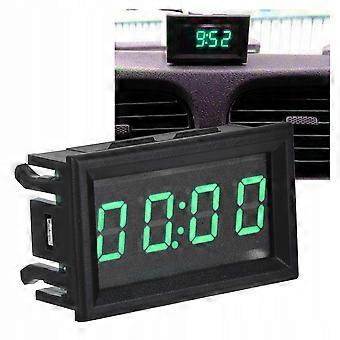
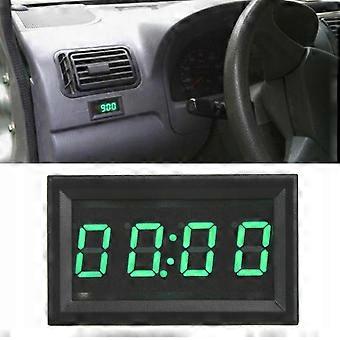
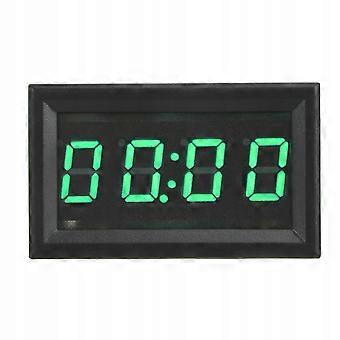
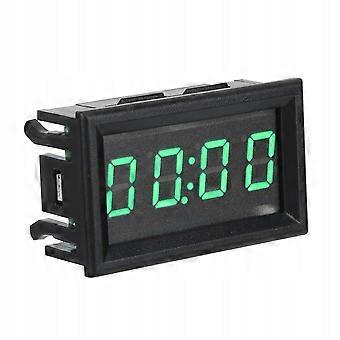
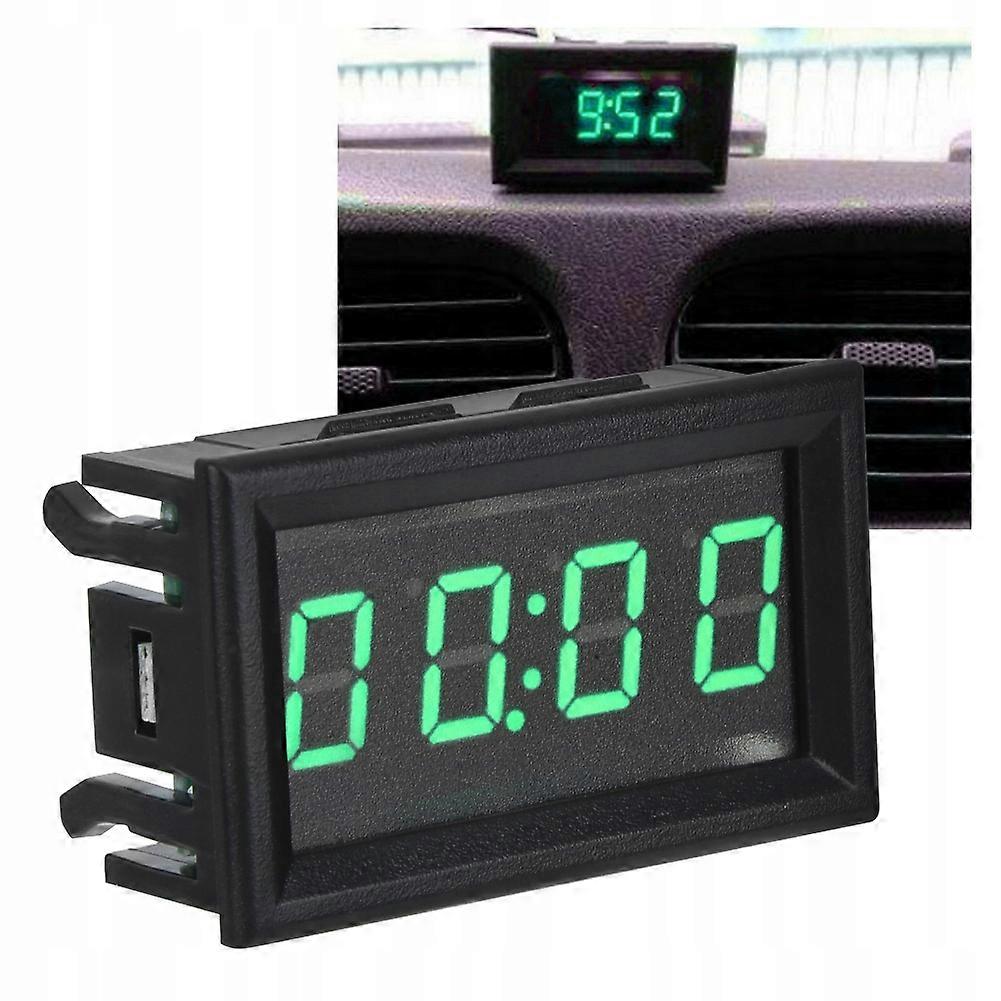
Electronic Car Clock
Features: LED digital clock with luminous function, super bright, easy to read at night. Made of good quality materials, solid, durable and wear-resistant.
The large LED screen can display hours, minutes, seconds, date and timer function clearly.
Universal, suitable for most cars. Easy installation and disassembly.
Beautiful and stylish, it will instantly enhance the look of your car.
It is widely used in equipment and cars, boats, airplanes etc. 4.5-30V input voltage, practical and easy to use.
Specification: Material: ABS
Green color
Input voltage: 4.5-30V (wide range)
Standby battery: CR1220 (clock backup power, can be maintained for more than 12 months without power)
Working current: <20mA
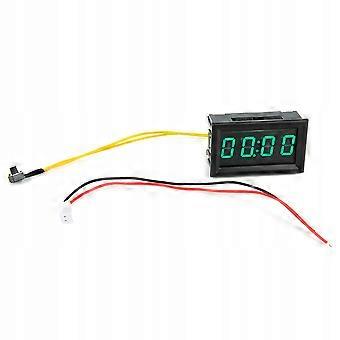
Length of power cable and key: >120mm
Min. Supply voltage: 4.5V
max. Supply voltage: 30V
Working temperature: -1065
Operating humidity: 10-80% (non-condensing)
Working pressure: 80 - 106 kPa
Exposure to sunlight: no direct exposure
Size: Approx. 48x29x21mm/1.89x1.14x0.83in
Packing list: 1 x digital car clock; User Manual: Insert the CR1220 button cell battery into the battery holder in the up-positive, down-negative direction.
)
If equipped with batteries, the clock will work even without connecting to the power supply.
Connect it to the power according to the method "red positive black negative" and it will display 0:00.
Key switch sequence: mode hour minutes-second mode-date mode-timer mode;
Second mode: Press the key once in time mode and the second will be displayed in XX format.
After 30 seconds without pressing a key, it will automatically return to time and minutes mode.
Click the key again to enter the next mode.
Date Mode: Press the key twice in time mode, the second one will display as: Month: Date.
After 30 seconds, it will automatically return to time and minutes mode.
Click the key again to enter the next mode.
Timer Mode: Press the key three times in time mode, the other will display as 00:00.
When the timer is not started, it will automatically return to time and minutes mode after 30 seconds without pressing a key.
Press and hold the key to start the countdown in timer mode and the dot under the colon will flash. Long press the key again to pause the stopwatch. The dot under the colon is always on and not blinking. Press and hold it again to start accumulating time again.
Time reset method: outer red and black lines turn off, long press the key for about 5 seconds.
Press the button in timer mode to enter hour, minute mode and display date and seconds.
Time setting: In the hour, minute or second mode, long press the key until the "hour" number starts flashing, which means entering the hour setting, and then press the key again to set the hour.
After setting the hour, press the key for a long time until the number of "minutes" starts flashing, which means entering the setting of minutes. Press the button repeatedly to set the minute.
After setting the minute, press the key for a long time until the number of "seconds" flashes, which means entering the second setting. Press once to clear, long press will exit the time setting mode and save the set time.
During the time setting process, it will automatically exit the setting mode after 30 seconds without pressing any key.
Date setting: In the date mode, press and hold the button until the “year” flashes, which means it is in setting mode. Press the button repeatedly to set the year.
Press and hold the button until the “month” starts flashing, which means that you have entered the month setting. Press the button repeatedly to set the month.
After setting the month, press and hold the button until the number "day" flashes, indicating that the day setting is entered, then press the button again and again to set the day. After the adjustment is completed, press and hold the button to exit the date setting mode and save.
During the date setting process, it will automatically exit the setting mode after 30 seconds without pressing any key.
-
Identificação da Fruugo:
356490450-774787701
-
EAN:
6901820805209
Entrega e Devoluções
Enviado dentro de 24 horas
Enviamos a partir de China.
Fazemos o nosso melhor para garantir que os produtos que encomendar lhe serão entregues na totalidade e conforme as suas especificações. No entanto, se receber uma encomenda incompleta ou itens diferentes dos que encomendou, ou existir qualquer outra razão pela qual não estiver satisfeito com a sua encomenda, poderá devolver a encomenda ou quaisquer produtos incluídos na mesma, e receber um reembolso total dos itens. Ver a política de devoluções na íntegra